Your clipboard, organized.
Save text snippets and images, then reach them instantly from a custom keyboard on iPhone and iPad, or a menu-bar app and global hotkey on Mac. No accounts, no tracking, just your stuff.
iPhone, iPad & Mac
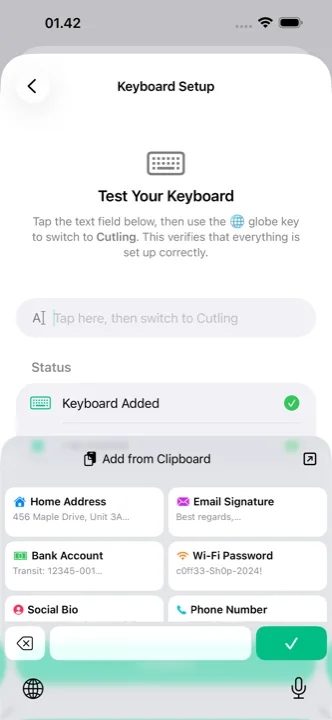
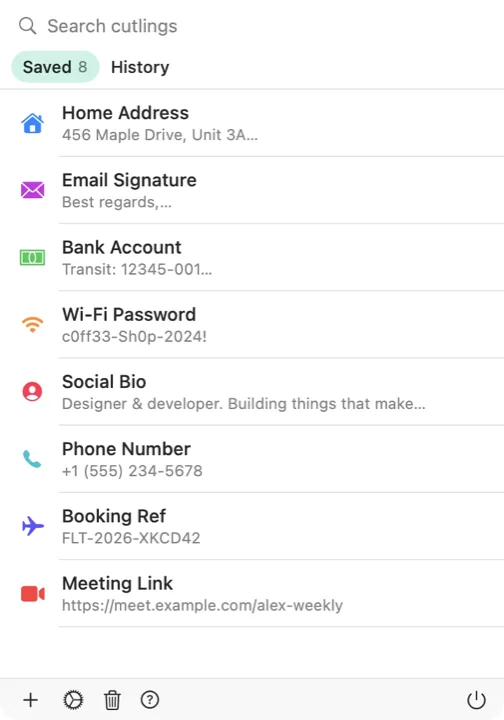
Save text snippets and images, then reach them instantly from a custom keyboard on iPhone and iPad, or a menu-bar app and global hotkey on Mac. No accounts, no tracking, just your stuff.
iPhone, iPad & Mac
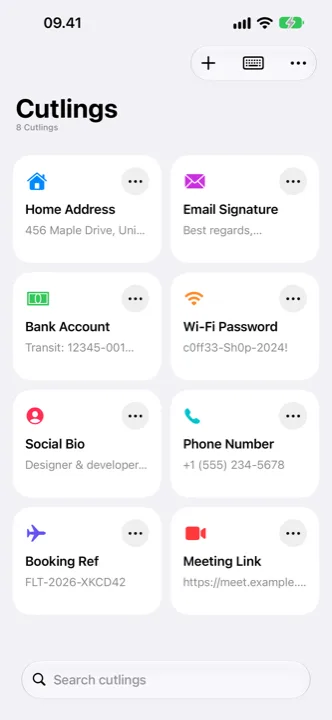
Addresses, replies, account numbers, code. Keep up to 100 text and 25 image cutlings, each with its own icon and color, and give the temporary ones a date to clear themselves.
Paste from Mail or a document and the bold, italics and links stay. Code stays exactly as you wrote it, and Cutling spots code on its own.
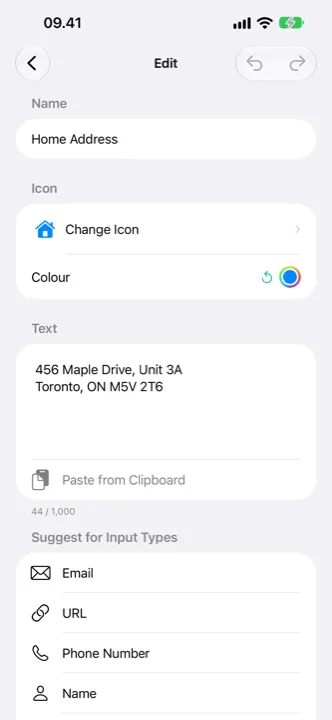
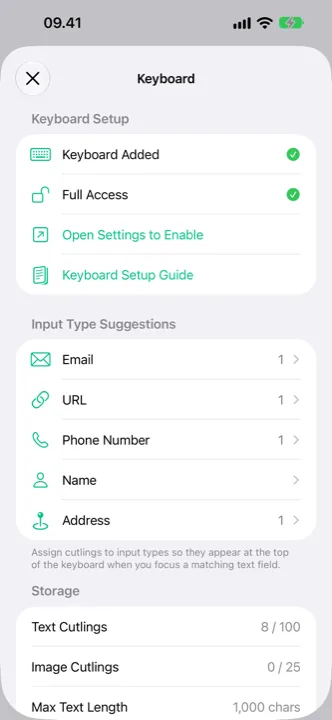
In an email field, your email cutlings come first. Start typing a cutling’s name and it shows up, ready to tap. The text replacements on your iPhone can come in too.
Send text, links or images to Cutling from any app.
Start a cutling from what you copied in one tap.
Add, copy and find cutlings by asking.
Search from the Home Screen and copy the result.
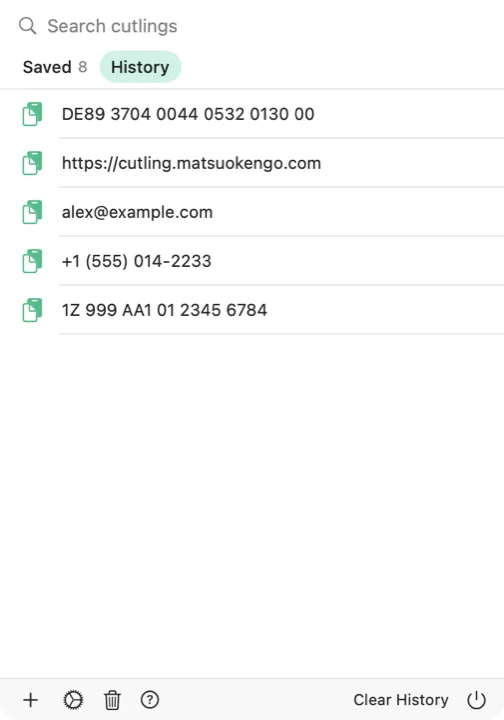
A picker opens where your pointer is. Choose a cutling or something you copied earlier, and Cutling pastes it into the app you were in.
No ads. No tracking. No subscriptions. No in-app purchases.
Pay once, own it forever. That's it. Buy on iPhone or iPad and the Mac app is included at no extra cost through universal purchase. You can also always download the Mac app free directly from this site.
Cutling has no servers to maintain and no database of your data. That means low overhead and a sustainable app built to last, with no need to monetize your attention or your information.
No upsells, no “premium” tiers, no prompts asking you to upgrade. You get the complete app from day one.
Save up to 100 text cutlings, each up to 1,000 characters.
Save up to 25 images for quick access: QR codes, signatures, diagrams.
Insert cutlings from any app without switching. One tap to paste.
Choose from 590+ icons and any color you like to organize your collection.
Set auto-delete dates for temporary snippets. They clean up on their own.
Keep cutlings in sync across all your Apple devices. Optional and private.
Accidentally delete something? Recover it within 30 days.
One app across all your Apple devices, with a native experience on each.
Cutling collects no data at all: no analytics, crash reports or third-party SDKs. Your cutlings stay on your device, or in your personal iCloud account if you choose to enable sync. The developer cannot access your data, period.